GIF Clipper
A downloadable tool for Windows
GIF Clipper turns gameplay footage into optimized GIFs for game pages, devlogs, and sharing.
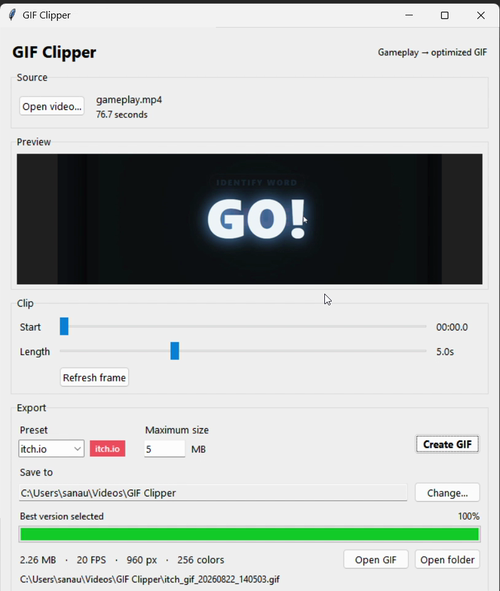
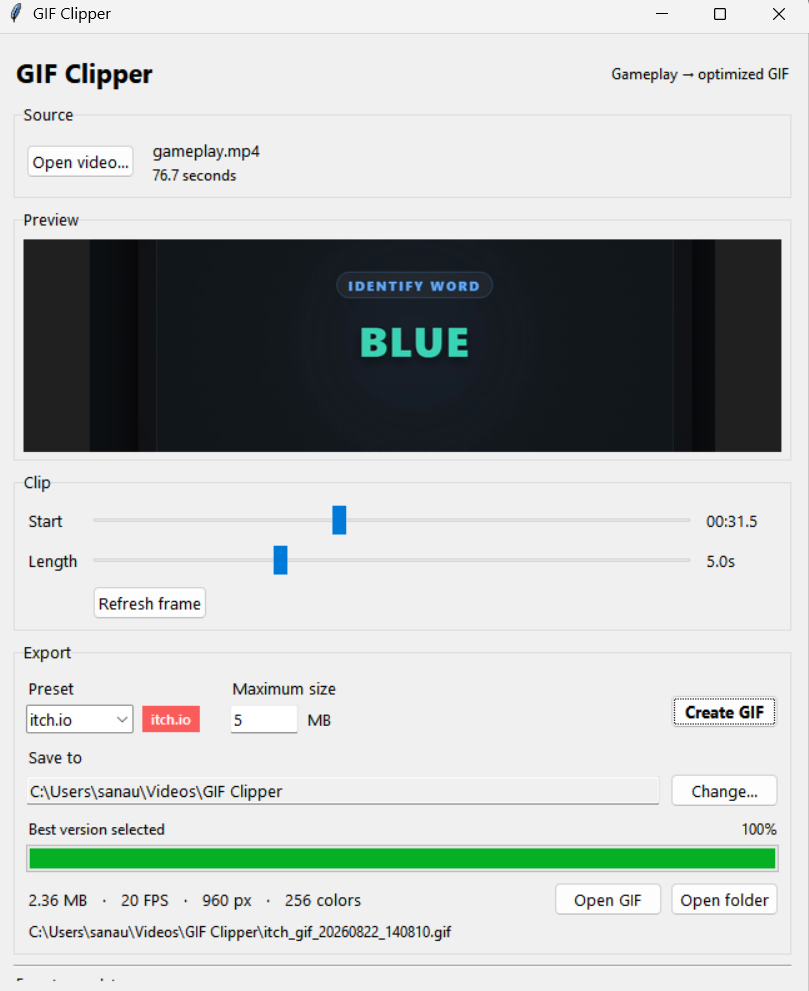
Set a maximum file size and let GIF Clipper automatically search for a high-quality export that fits under it.
Select the part of your video you want, choose a maximum file size, and GIF Clipper tests different resolutions, frame rates, and colour combinations to find a high-quality result that fits your target.
Features
- Video → GIF in a few clicks
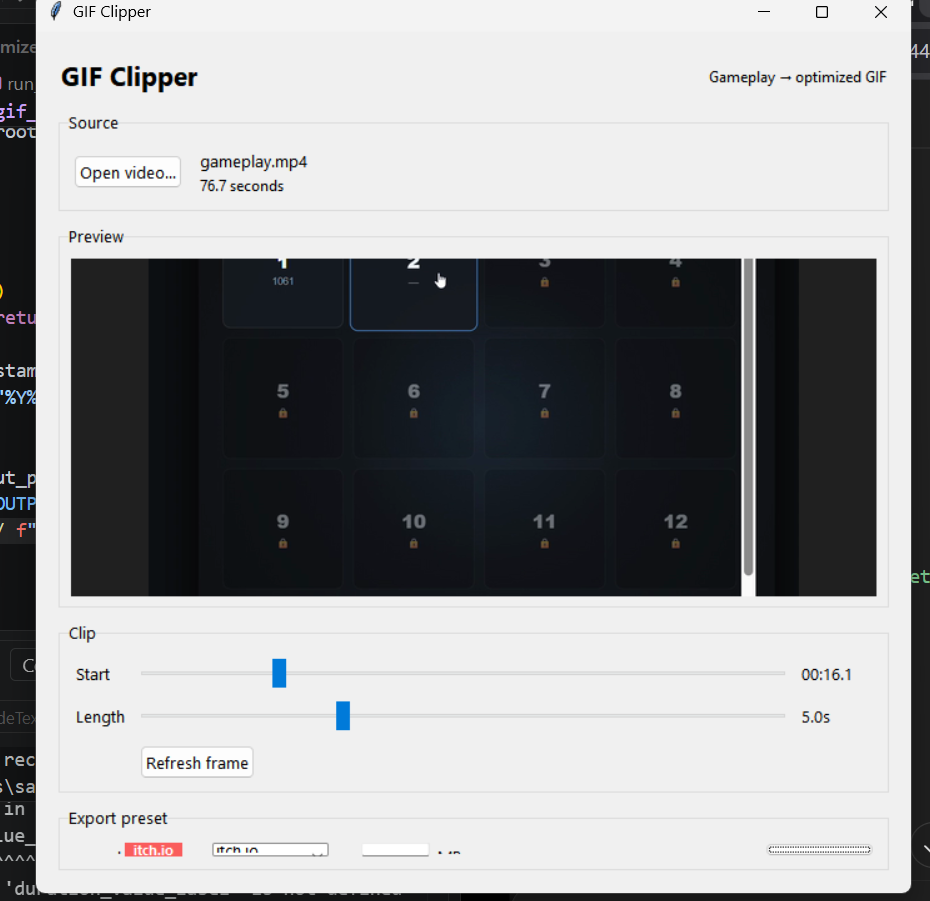
- Choose exact start position and clip length
- Set a maximum GIF size in MB
- Automatically searches for a strong quality/size combination
- Live optimisation progress
- Preview before exporting
- Choose your output folder
- MP4, MOV, MKV, WebM, and AVI input
- Local processing — no upload required
- Windows
Made for indie game developers
The first preset is designed around creating GIFs for itch.io pages and promotion.
How it works
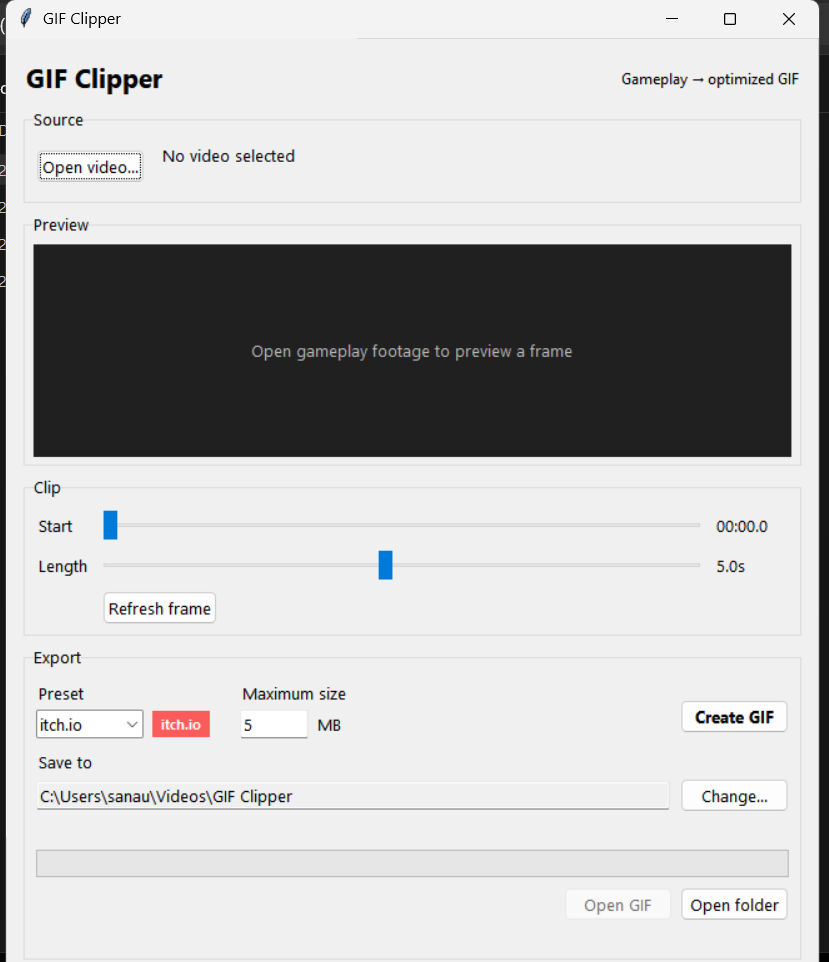
- Open your gameplay recording
- Choose the clip
- Enter your maximum GIF size
- Click Create GIF
- GIF Clipper searches different export settings and saves the best version it finds under your target
Version
v0.1
If you run into a video that doesn’t work well, or want another export preset, leave feedback.
Includes FFmpeg/ffprobe for video processing. See the included third-party notices inside the download for details
Purchase
In order to download this tool you must purchase it at or above the minimum price of $2.75 USD. You will get access to the following files:
Development log
Leave a comment
Log in with itch.io to leave a comment.